
Sheet handling
Based on the user preference, the parameters to handle a sheet can be modified in Sheet handling.
Sheet handling settings are available in Layout Settings once nesting of a part is done.
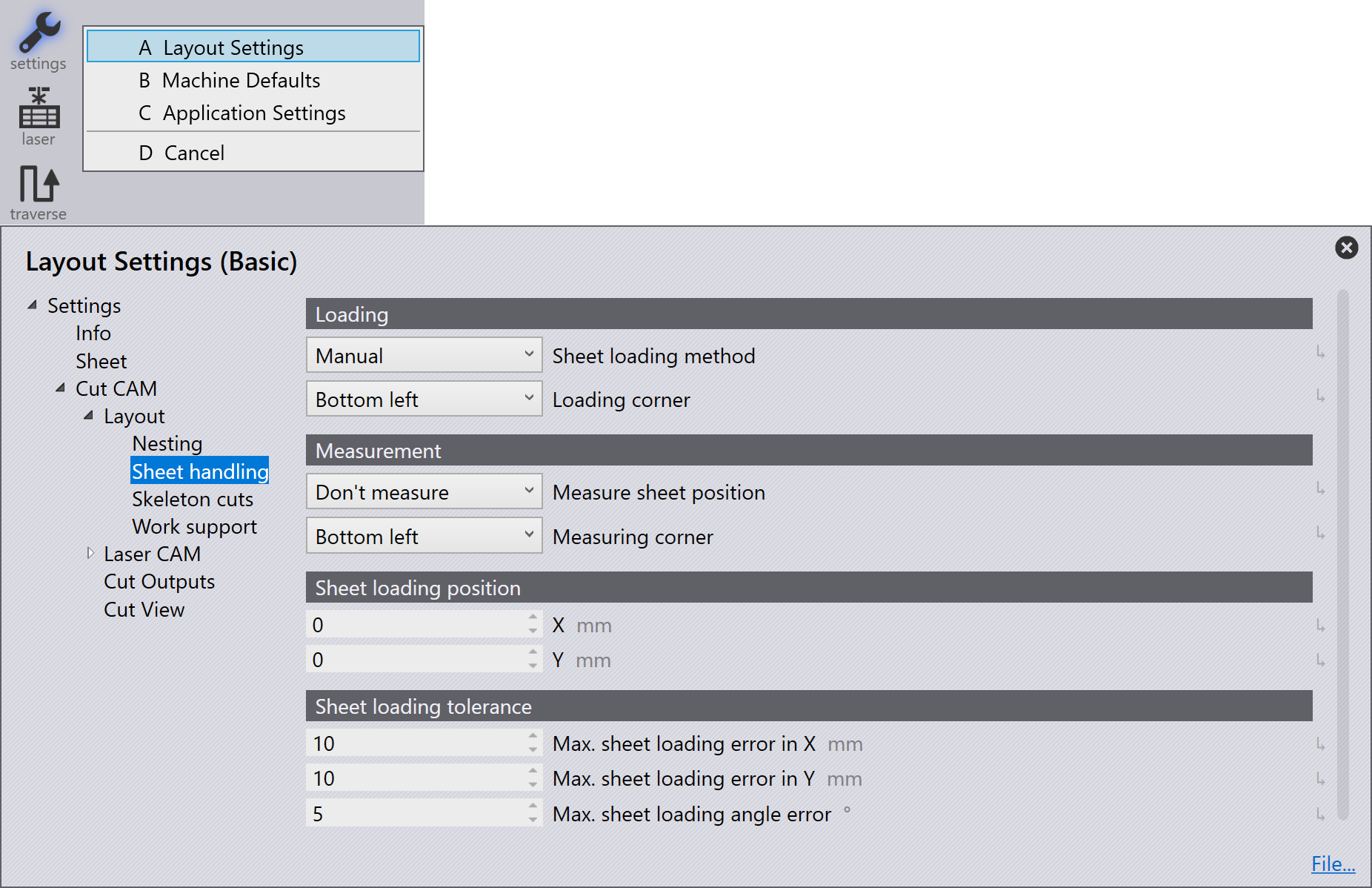
Also, this setting is available in Machine Defaults.
Loading
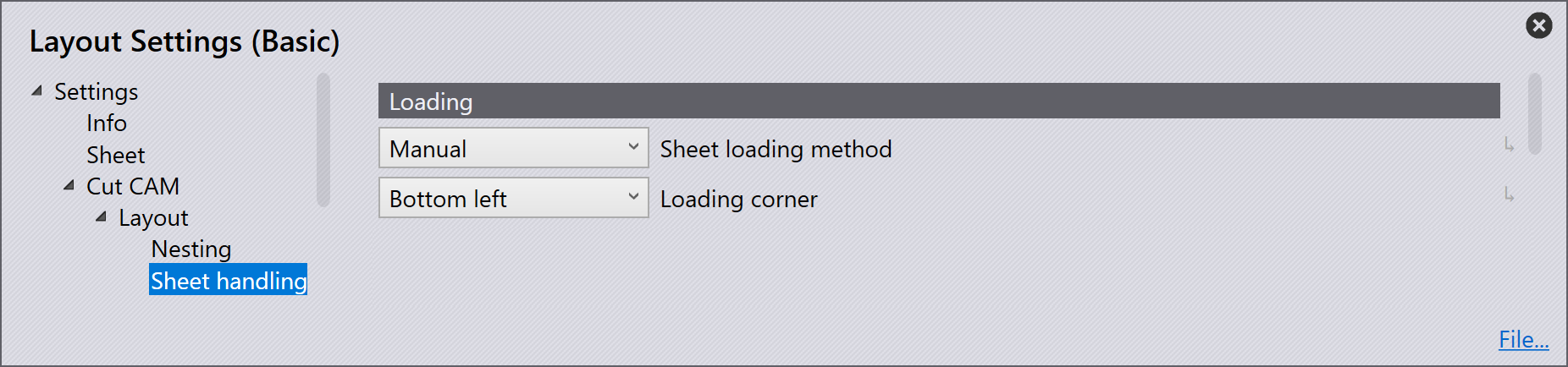
Sheet loading method - Depending on the machine and
extras, this option is to set up how a sheet will be loaded onto the machine.
The options include:
-
manual
-
pallet changer
-
various options for LiftMaster
Loading corner - This option is used to set up which
corner of the sheet will be loaded into the machine first when using a
LiftMaster. The options include:
-
Bottom left
-
Bottom right
-
Top right
-
Top left
Measurement
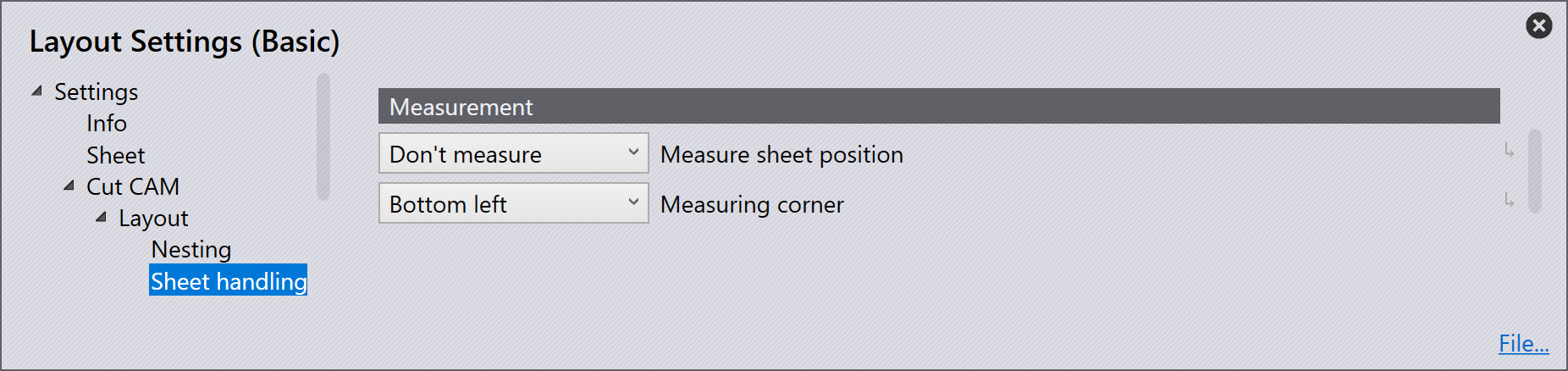
Measure sheet position - This option is used to set up
whether the sheet is to be measured. The options are either:
-
don’t measure
-
with height regulation
Measuring corner - When the measure sheet position is set to
'With height regulation',
this setting is used to set up where the sheet will be measured from. The options
include:
- Bottom left
- Bottom right
- Top right
- Top left
Sheet loading position
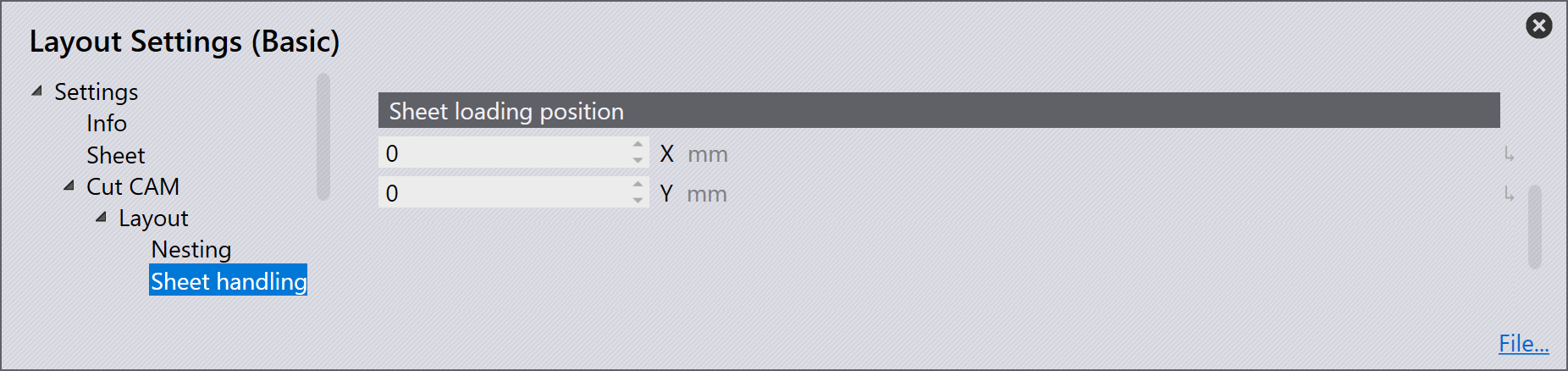
X & Y -These settings are used to set up the sheet loading position in the X and Y axis of the machine. This can be between 0 > 10000 millimeters.
Sheet loading tolerance
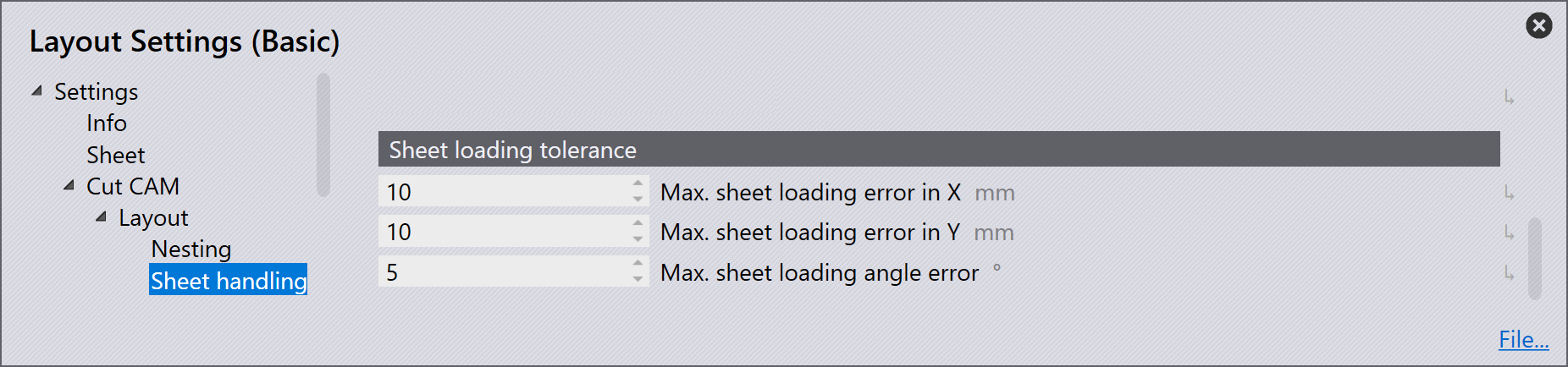
Max. sheet loading error in X - Maximum error in loading the sheet on the table along the X direction.
Max. sheet loading error in Y - Maximum error in loading the sheet on the table along the Y direction.
Max. sheet loading angle error - Maximum angle error in loading sheet on the table.