Regrip panel
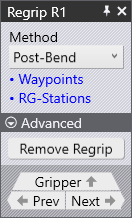
A typical Regrip panel is shown alongside.
-
Regripping Method are explained below in detail.
-
The Waypoints link takes you to the Waypoints panel details.
-
The RG-Stations link takes you to the Regrip Stations panel details.
-
The Remove regrip details are explained in Add/Remove Regrip.
To access the regrip panel:
-
Click twice on the R1 cell in the bend navigator.
-
Alternatively, click on the part held by the robot gripper at the regrip position.
Method of regrip
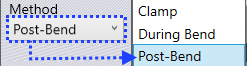
The following are the methods of regripping a part:
-
Clamp
-
During Bend
-
Post-Bend
Clamp
When you select the Clamp method, the gripper relies on the bending tool (punch and die) to hold the part, complete the swivel sequence and then re-grips from the other side of the part.
Insert part first and BG: Z before X are already explained in Insertion strategy.
During Bend
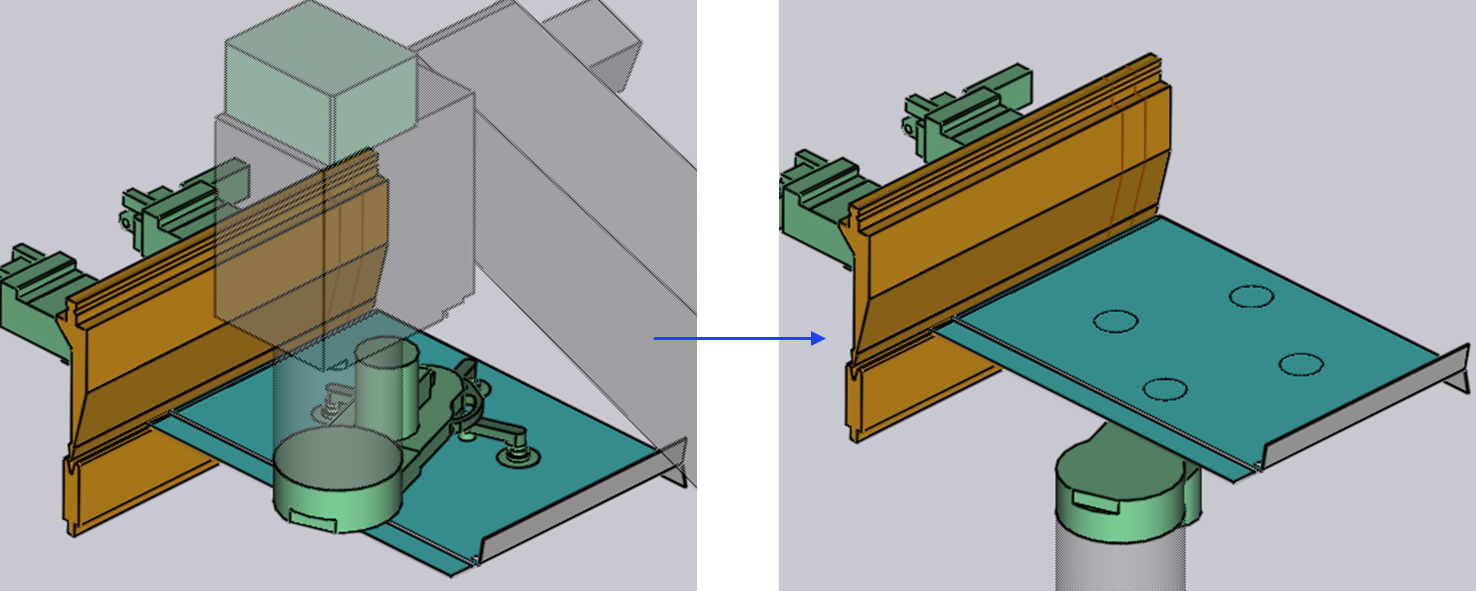
In the During Bend method, as soon as the bending operation starts the gripper starts to swivel simultaneously (if required) and performs the regripping exactly at the end of the bending operation.
Opening of the punch starts only when the part is firmly held by the robot gripper.
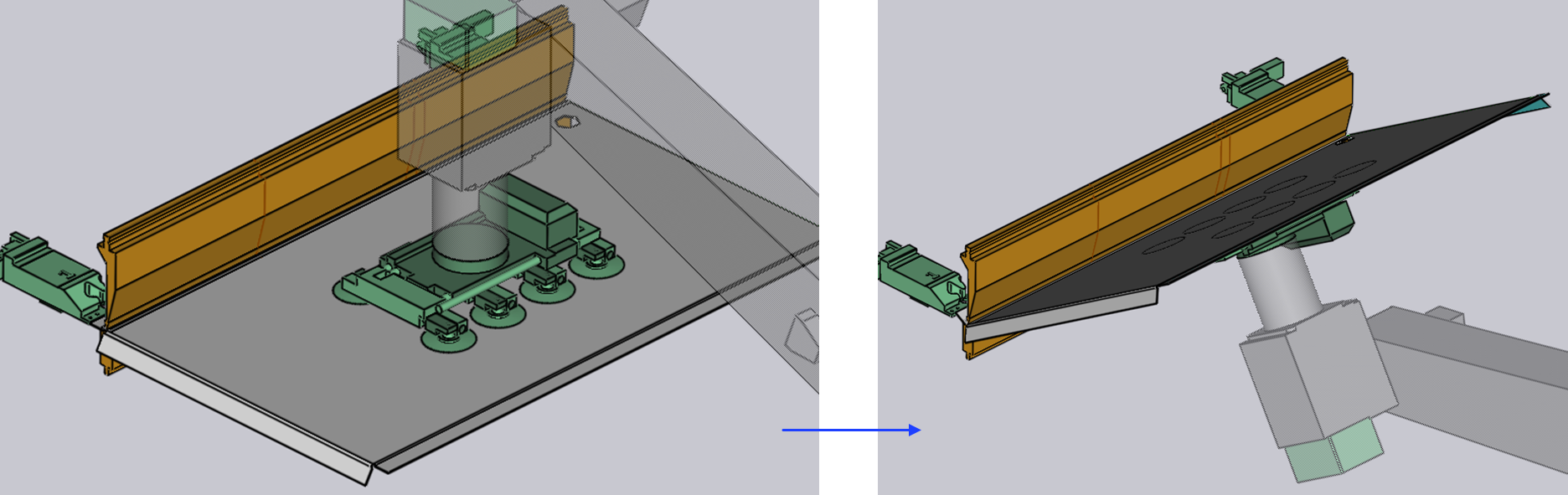
Post-Bend
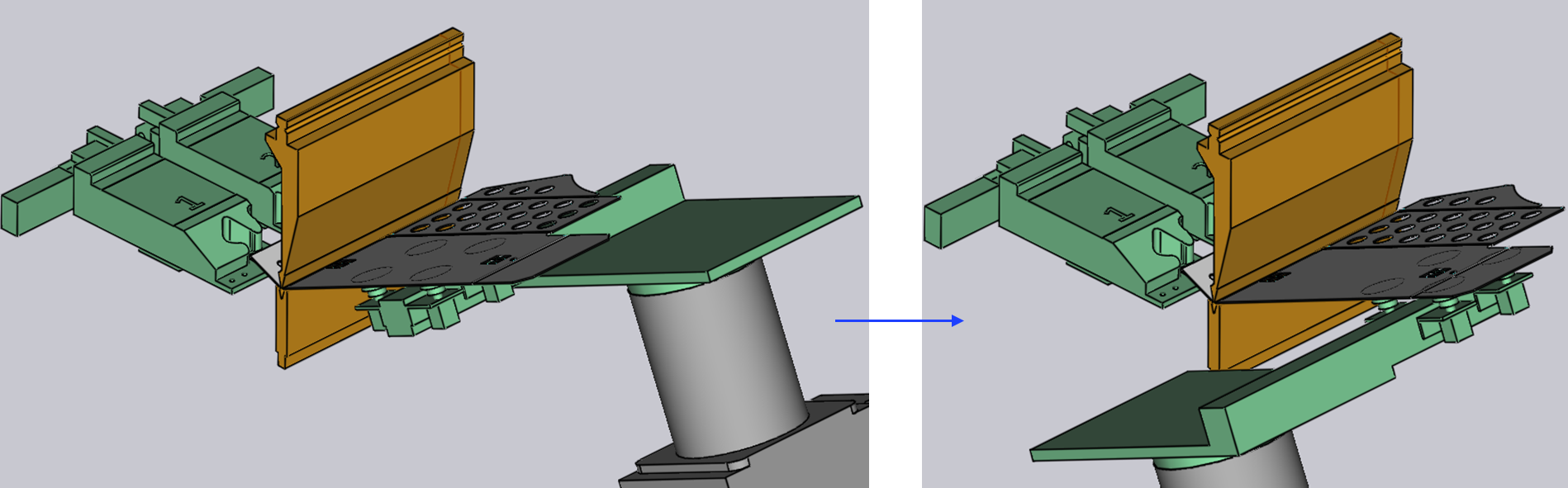
When you select the Post-Bend method, the regripping happens after the bending process with the part still at the clamping point.
In this method, the robot gripper will assist the part during the bending operation. Once the bending operation is completed with expected results, the regripping operation will start.